
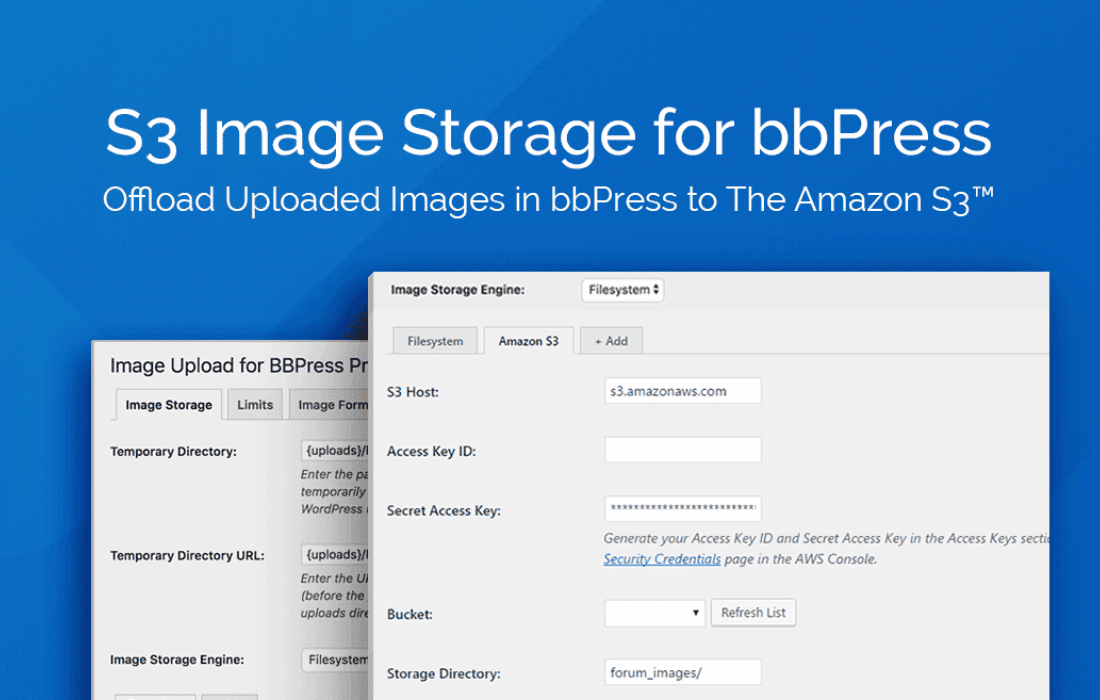
If you run a busy bbPress forum, you know that user-uploaded images can quickly consume your server’s storage space and slow down your website. S3 Image Storage for bbPress is the essential solution for forum administrators who want to offload media files to Amazon S3, ensuring your site remains fast, scalable, and cost-efficient. By automatically moving attachments from your local server to the cloud, this plugin helps you maintain top-tier performance, regardless of how active your community becomes.
Key Features
- Automatic Offloading: Seamlessly transfers images uploaded through bbPress directly to your Amazon S3 bucket, keeping your local server clean and lightweight.
- Improved Site Performance: By serving images from Amazon’s global infrastructure rather than your own hosting server, you significantly reduce load times and latency for your users.
- Reliable Backup and Storage: Leverage the durability of Amazon S3 to ensure your forum’s media files are stored securely and are never lost due to local server issues or site migrations.
- Transparent User Experience: The process is entirely invisible to your community members; they continue to upload and view images as they always have, without needing to change their workflow.
- Reduced Hosting Costs: Moving heavy media files to S3 helps you lower your local storage requirements, potentially allowing you to downgrade your hosting plan or avoid costly storage overage fees.
- Easy Media Management: Keep your forum database lean by storing heavy binary data in the cloud, making site backups and database maintenance faster and more manageable.
Use Cases and Who It’s For
This plugin is designed for community managers, forum administrators, and developers who manage high-traffic bbPress installations. If your forum has a large user base that frequently shares screenshots, photos, or technical diagrams, your server is likely struggling to keep up with the storage and bandwidth demands.
It is particularly beneficial for niche communities like photography forums, tech support boards, or fan communities where media sharing is a core part of the user experience. By implementing S3 storage, you ensure that your forum remains responsive even during peak hours, protecting your SEO rankings and user retention rates. Whether you are managing a small, growing community or a large-scale enterprise forum, this plugin provides the infrastructure stability needed to scale without technical headaches.
Setup and How It Works
Getting started with S3 Image Storage for bbPress is a straightforward process designed to get your media offloaded with minimal configuration:
- Configure AWS Credentials: Create an Amazon S3 bucket in your AWS console and generate the necessary API keys (Access Key ID and Secret Access Key).
- Plugin Configuration: Enter your S3 bucket details and API credentials into the plugin settings page within your WordPress dashboard.
- Enable Offloading: Activate the offloading feature. Once enabled, the plugin hooks into the bbPress upload process.
- Automatic Sync: From this point forward, every image uploaded to your forum threads or replies is automatically pushed to your S3 bucket. The plugin handles the URL replacement, ensuring the images are served from the cloud while appearing perfectly within your forum posts.
Similar Plugins
If you are exploring options for managing WordPress media, you may also encounter broader solutions such as WP Offload Media or various S3 integration plugins. While these tools offer general media offloading for the entire WordPress site, S3 Image Storage for bbPress is specifically optimized to handle the unique way bbPress manages attachments, providing a more targeted and streamlined experience for forum-specific media workflows.