
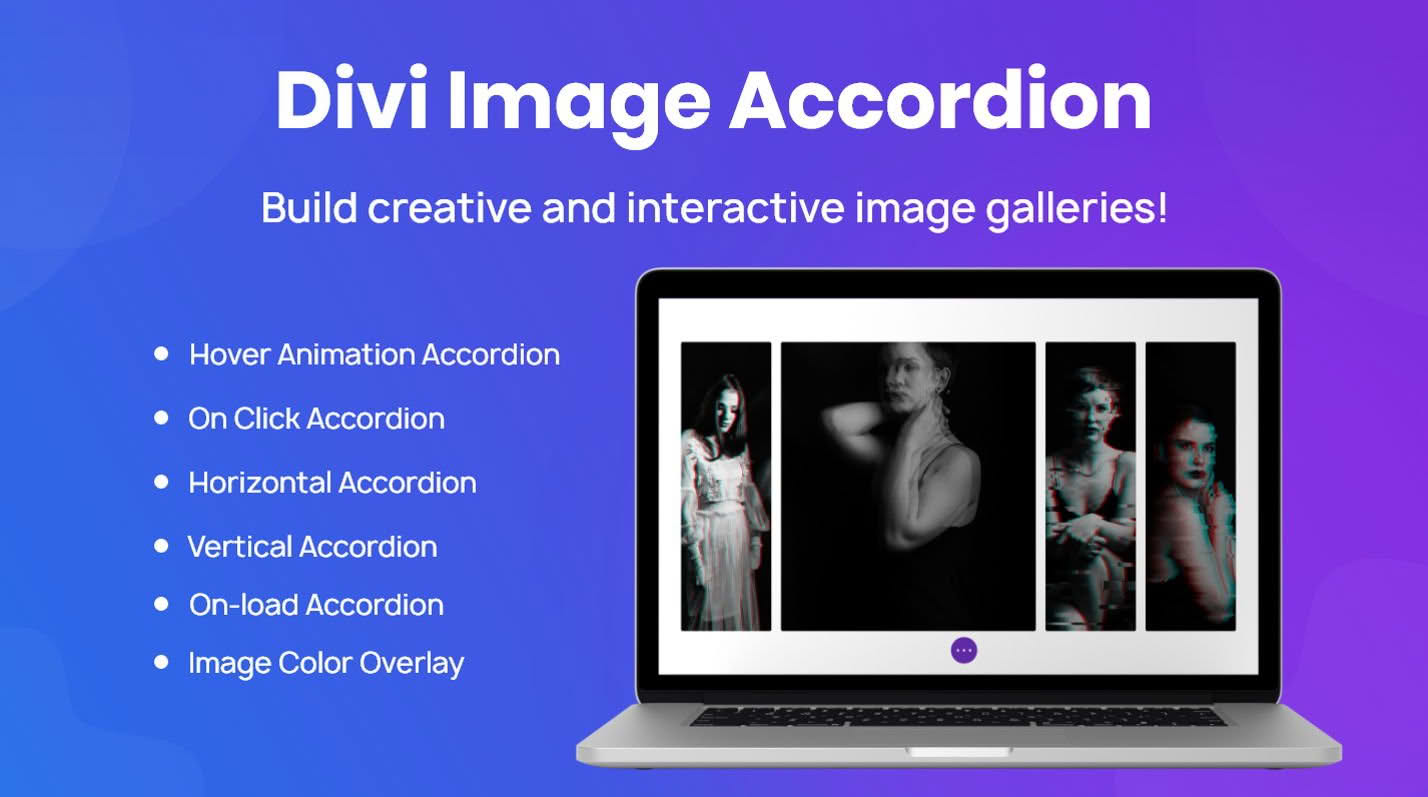
Transform your website’s visual storytelling with the Divi Image Accordion module, a powerful tool designed to help you create engaging, interactive image displays without writing a single line of code. Perfect for web designers, photographers, and business owners, this plugin allows you to showcase multiple images in a compact, space-saving format that expands upon hover or click. By replacing static image galleries with dynamic, animated accordions, you can captivate your visitors, improve user engagement, and make your site content feel modern and professional.
Key Features
- Fully Responsive Design: Ensure your image accordions look stunning on all devices, from desktop monitors to mobile phones, with automatic adjustments for screen size.
- Interactive Hover or Click Actions: Choose how your users interact with your content. Set the accordion to expand on hover for a seamless browsing experience or on click for better accessibility on touch devices.
- Customizable Animation Effects: Control the speed, easing, and style of your transitions to match your website’s unique brand personality and aesthetic.
- Complete Styling Control: Leverage the native Divi Builder interface to customize borders, shadows, background overlays, and typography for both the collapsed and expanded states.
- Content Flexibility: Go beyond just images. Add titles, descriptions, and even call-to-action buttons within each accordion segment to turn visual elements into conversion-focused content.
- Vertical and Horizontal Layouts: Adapt the module to fit your layout needs by switching between vertical and horizontal accordion orientations with a simple toggle.
- Lightweight Performance: Built with clean, optimized code to ensure that your site remains fast and search-engine friendly, even with multiple interactive elements on a single page.
Use Cases and Who It’s For
The Divi Image Accordion is an essential asset for anyone looking to maximize screen real estate while maintaining a high-end visual impact. It is particularly effective for creative portfolios where photographers or graphic designers need to showcase a series of projects in a limited space. By using an accordion, you allow visitors to focus on one project at a time, reducing visual clutter and guiding their attention exactly where you want it.
For business owners and marketing professionals, this plugin is a game-changer for service pages or team sections. Instead of listing team members in a standard grid, you can use the accordion to reveal professional bios and contact details upon interaction, creating a more personalized and memorable introduction. E-commerce store owners can also utilize this tool to highlight product features or different product variations, providing a sophisticated way to present information that would otherwise require a long, scrolling page.
Setup and How It Works
Getting started with the Divi Image Accordion is designed to be intuitive for anyone already familiar with the Divi ecosystem:
- Install and Activate: Upload the plugin zip file to your WordPress dashboard via the Plugins menu and activate it.
- Add the Module: Open the Divi Builder on your desired page or post. Search for the “Image Accordion” module in the module library and add it to your row.
- Add Items: Within the module settings, add individual accordion items. For each item, upload your image and input the desired title or description text.
- Configure Settings: Use the Design and Advanced tabs to adjust the orientation, animation speeds, hover effects, and typography.
- Save and Publish: Once you have fine-tuned the look and feel to match your site, save your changes and publish your page to see your interactive accordion in action.
Similar Plugins
If you are exploring different ways to enhance your Divi site’s interactivity, you may also consider alternatives such as the Divi Supreme Pro plugin, which includes an image accordion module among its extensive library of extensions, or the Divi Pixel plugin, which offers a suite of custom modules and effects designed to extend the native capabilities of the Divi Builder.