
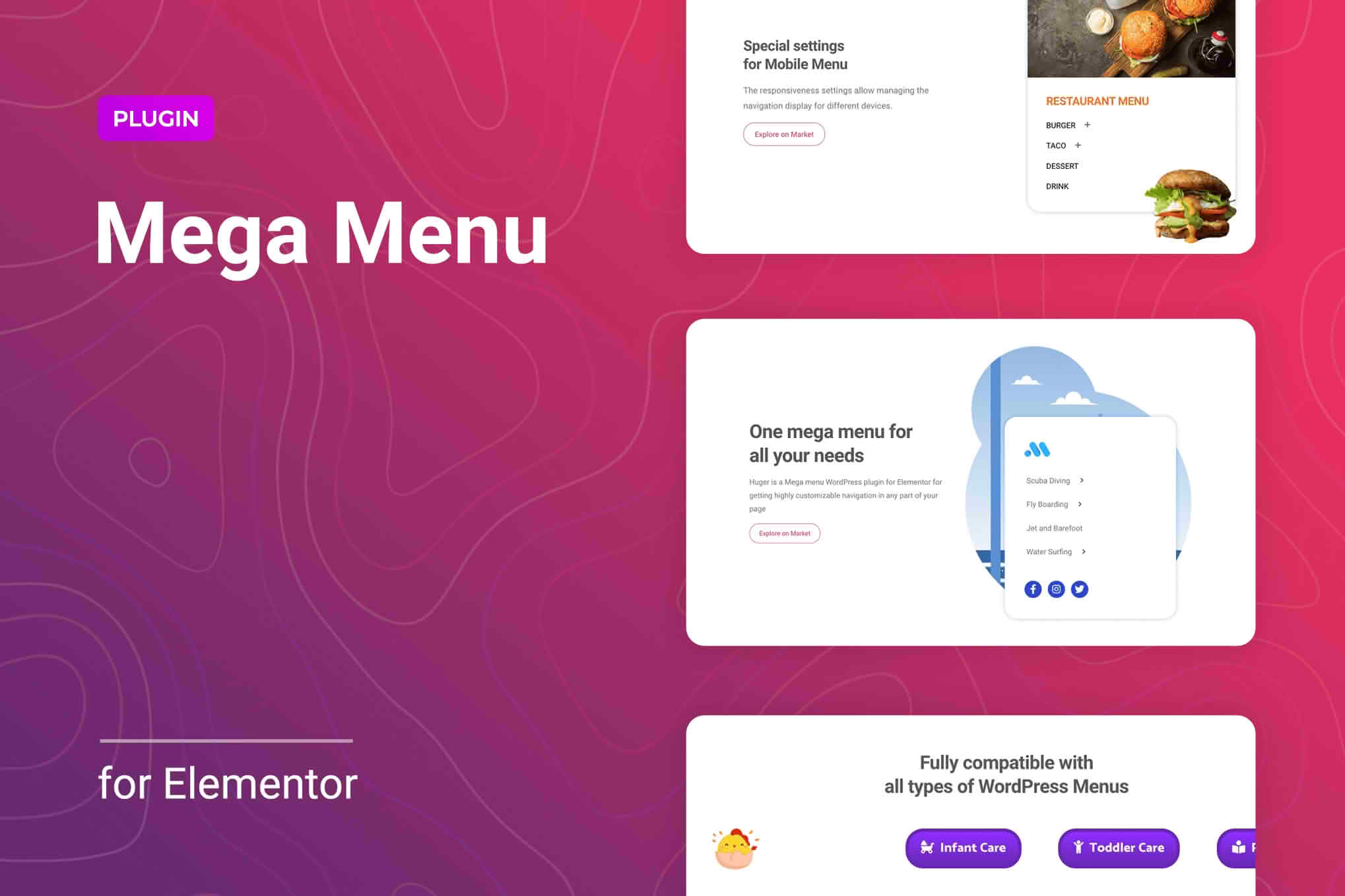
Transform your website navigation from a simple list into a powerful, visually stunning user experience with Huger | Mega Menu for Elementor. Designed specifically for users who want to leverage the full power of the Elementor page builder, this plugin allows you to create sophisticated, multi-column mega menus without writing a single line of code. Whether you are managing a complex e-commerce store with hundreds of categories or a content-heavy news site, Huger provides the flexibility and design control necessary to guide your visitors exactly where they need to go, improving site usability and increasing engagement.
Key Features
- Full Elementor Integration: Build your mega menu content using the familiar Elementor interface. Drag and drop widgets, adjust columns, and style your menus just like any other page on your site.
- Customizable Layouts: Break free from standard drop-down limitations. Create wide, multi-column layouts that accommodate images, icons, maps, contact forms, or even dynamic content.
- Mobile-Responsive Design: Ensure a seamless experience on all devices. Huger automatically adapts your complex mega menus into intuitive, touch-friendly mobile navigation structures.
- Advanced Styling Options: Take complete control over typography, background colors, border radius, and hover effects to ensure your navigation perfectly matches your brand identity.
- Icon and Badge Support: Enhance your menu items with font icons or eye-catching badges to highlight new products, sales, or featured links, driving higher click-through rates.
- Performance Focused: Built with clean, optimized code to ensure that your advanced navigation doesn’t slow down your site‚Äôs loading speeds, keeping your SEO and user experience intact.
- Easy Content Management: Update your menu structure instantly through the WordPress dashboard, making it simple to manage seasonal promotions or site architecture changes.
Use Cases: Who It’s For
Huger | Mega Menu for Elementor is the ideal solution for website owners, designers, and developers who demand more from their navigation. If you run a large e-commerce store, a mega menu is essential for organizing vast product catalogs, allowing customers to find specific categories or featured collections in a single click. By grouping products logically, you reduce the number of clicks a user needs to reach a purchase page, which can significantly improve your conversion rates.
For bloggers and content publishers, Huger allows you to showcase featured articles, trending topics, or author profiles directly within the header, keeping your audience engaged with your best content. It is also perfect for service-based businesses, such as agencies or consultants, who need to display a clear breakdown of their services, portfolios, and contact information directly in the main navigation, establishing professionalism and authority from the moment a visitor lands on your site.
Setup: How It Works
Getting started with Huger is designed to be intuitive for anyone already comfortable with the Elementor ecosystem:
- Install and Activate: Once the plugin is installed on your WordPress site, navigate to the Huger settings panel to configure your global preferences.
- Create Your Menu Content: Use the dedicated section in the WordPress dashboard to create your mega menu content using the Elementor editor. This acts as a template for your menu items.
- Assign to Navigation: Go to your WordPress Appearance > Menus section. Select the menu item where you want the mega menu to appear and use the Huger settings provided to attach the template you just created.
- Style and Preview: Use the Elementor controls to refine the look, feel, and behavior of your menu, previewing your changes in real-time to ensure it looks perfect on both desktop and mobile devices.
Similar Plugins
If you are exploring the ecosystem of Elementor-compatible navigation tools, you may also encounter other solutions such as Max Mega Menu, JetMenu, and Elementor’s own native menu widgets. While these alternatives offer varying levels of functionality, Huger distinguishes itself through its streamlined focus on Elementor-native editing and its commitment to maintaining high performance without unnecessary bloat.